
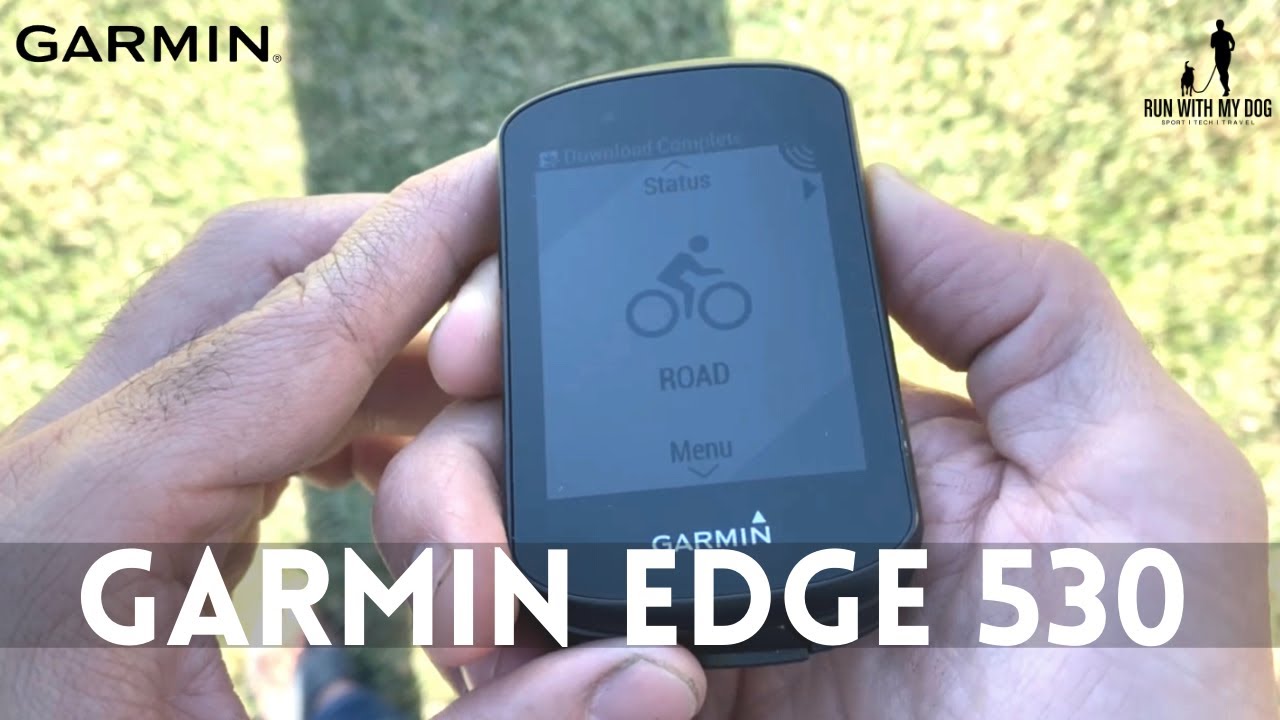
A bike computer in 2021? When you already have your phone with you? Is it still relevant?
As a newbie cyclist I asked the same question. There are plenty of apps that turn your phone into a cycling data center. But after using the Garmin Edge 530, I can’t imagine going out for a ride without it. Let me explain why.
Specs
The Edge 530 is Garmin’s mid-range bike computer — very similar to the 830, the main difference being the 830 has a touchscreen while the 530 uses a 7-button layout.
- Price: $300
- Weight: 76g
- Screen: 2.6”, highly readable in any weather conditions
- Water rating: IPX7 — rain and snow, no problem
- Battery: ~20 hours in GPS mode
Data Screens
Up to 8 data screens, including maps and ClimbPro. Each screen supports up to 7 data fields. Multiple bike profiles (mine: Road, Mountain, Indoor) — each with its own screen layout.
My main screen: current time, average speed, heart rate, total distance, cadence, duration, and grade. Everything I need at a glance.
Connectivity
Syncs with TrainingPeaks and Strava. Supports Garmin Coach workouts. The button layout takes a few rides to get used to — and note: you need to press the play button after selecting your workout and profile, otherwise it won’t start. Caught me out a few times.
Maps and ClimbPro
This is where the Edge 530 earns its keep.
Every week my coach sends the Saturday ride course. I import the GPX file via Garmin Connect Web, sync to the device, and I’m ready to follow the route on screen.
ClimbPro is the standout feature. It automatically splits all planned climbs in your route and shows you in real time: kilometers remaining in the climb, current grade, a graph of upcoming climbs, and meters left. As a newbie who found long climbs intimidating, having that data made a real difference mentally.
Post-Ride
After each ride: log calories consumed, water bottles, and get a fluid/calorie balance report. Plus a detailed performance summary with recommended recovery time. On the indoor trainer, you get an effort graph that follows you throughout the session.
Downsides
Two main ones: most synced workouts appear in an unsorted list with no clear indication of which is today’s, and I occasionally had route syncing issues — sometimes triggering an annoying notification mid-ride that was hard to dismiss.
Bottom Line
Packed with training tools, excellent outdoor readability, great battery life, solid topo maps, and ClimbPro that genuinely improves long rides. Syncing can be fiddly, but it’s a minor issue.
If you’re into cycling and considering a bike computer, the Edge 530 is a great choice — everything you need without paying for a higher-end model. And if you sweat a lot like me, you’ll appreciate the physical buttons over a touchscreen.
One practical note: if you’re deciding between a premium GPS watch and the Edge 530, buy the cheaper watch and spend the difference on the Edge. For long rides, the bike computer will be your best companion.